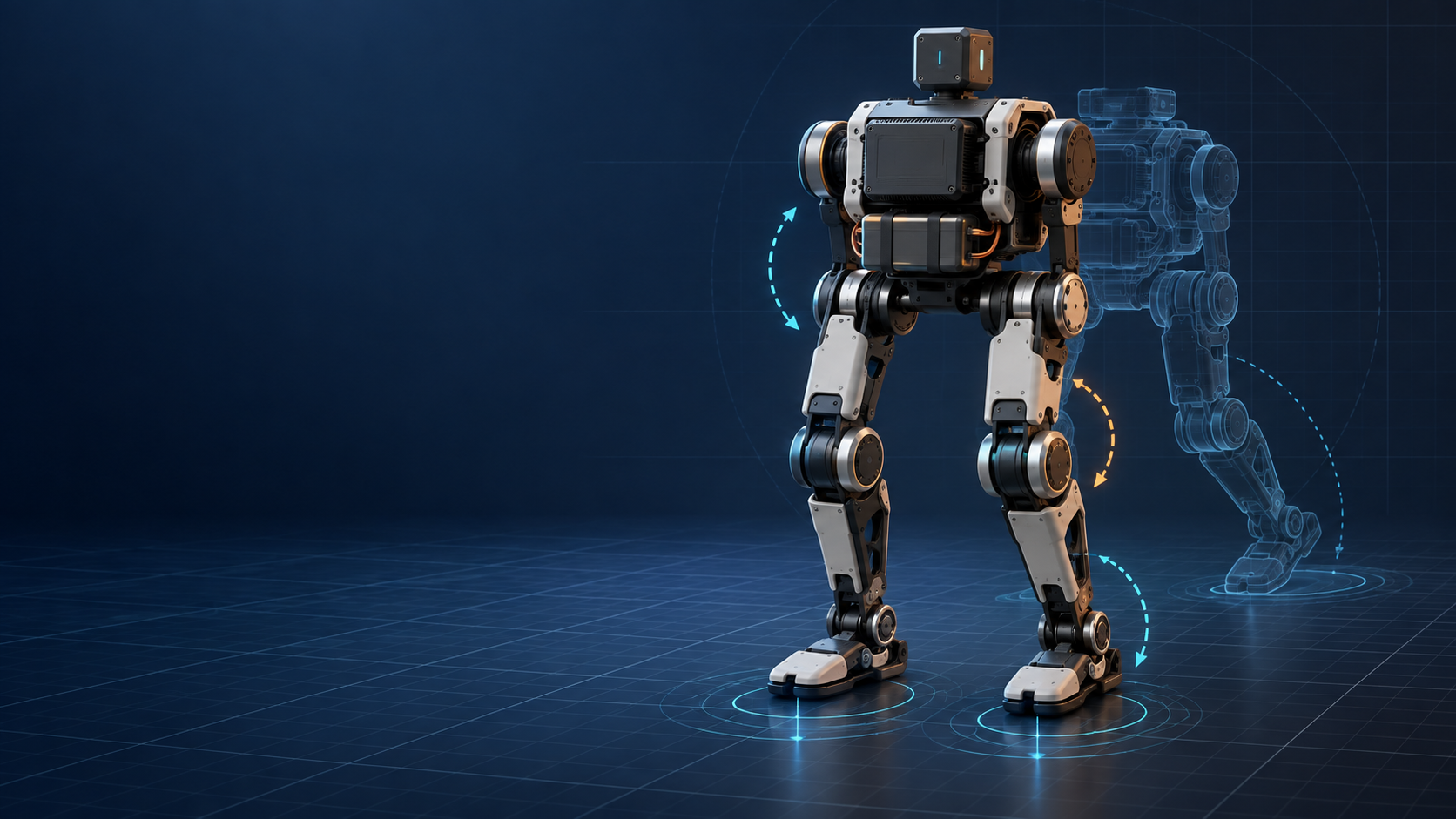
A small biped robot is a compact machine that moves on two legs and is built to sense its posture, control its joints, maintain balance, and execute behaviors such as standing, walking, turning, or recovering from a fall. There is no universal height or weight cutoff for “small.” In practice, the term usually separates tabletop and easily transported platforms from human-scale humanoids.
The useful definition is therefore functional, not cosmetic: a small biped is a two-legged robot whose size makes repeated development, testing, and repair practical in a desk, classroom, workshop, or compact lab setting.
Key facts
- “Biped” means the robot uses two legs for support and locomotion. It does not have to look fully human.
- “Small” is not a standardized robotics class. Published platforms range from hand-sized consumer robots to roughly half-meter research humanoids.
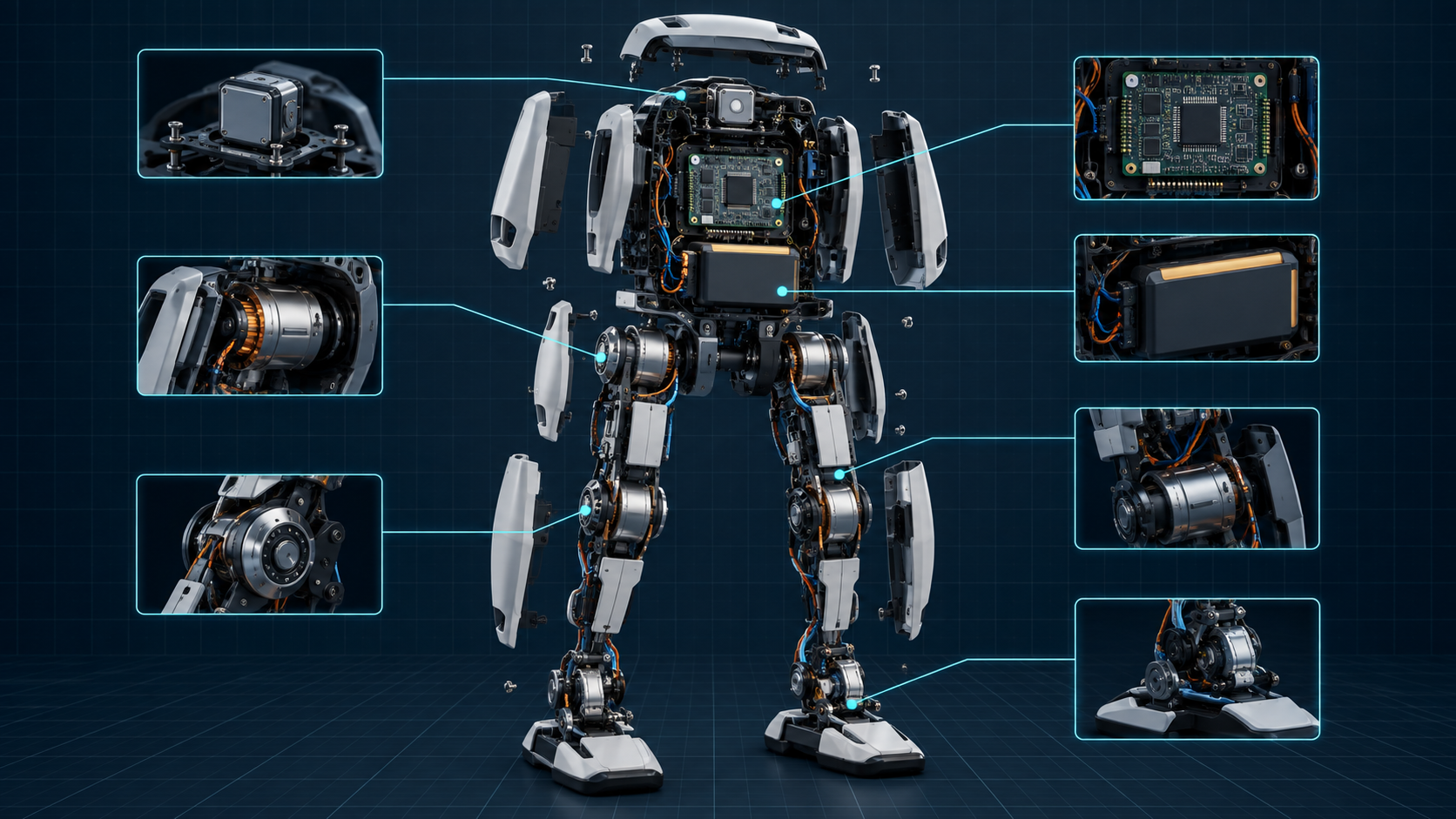
- A working biped needs more than motors. It also needs a mechanical structure, joint controllers, posture sensing, power, onboard or connected compute, and software that coordinates the whole body.
- Two-footed locomotion is inherently sensitive to timing, ground contact, actuator behavior, weight distribution, and sensor error.
- Simulation can accelerate development, but a controller that works in simulation is not automatically safe or stable on hardware.
- The best platform depends on the job: play, education, controls research, reinforcement learning, mechanical modification, or product prototyping.
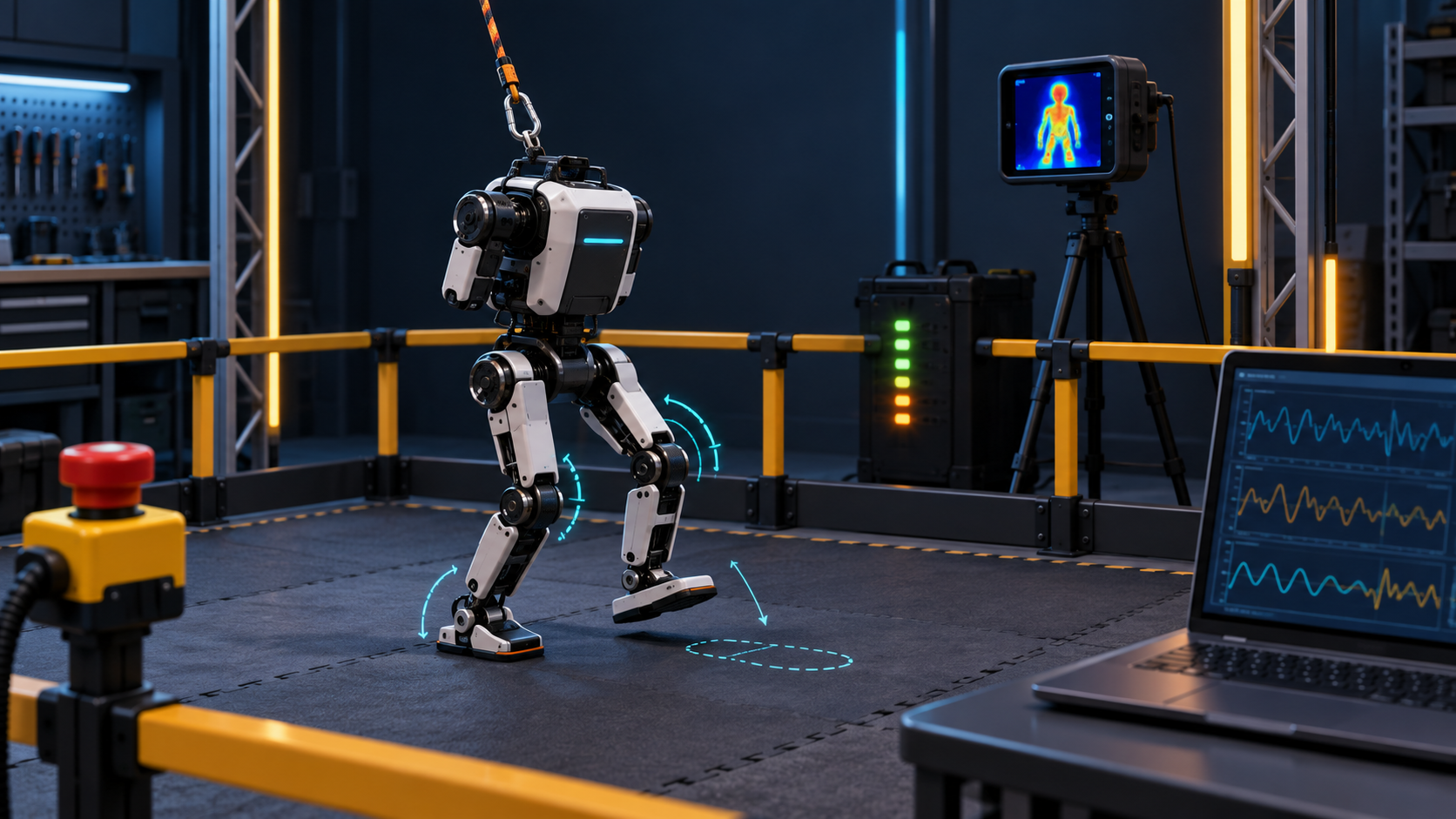
Sources rechecked September 13, 2026. Images are conceptual engineering visualizations, not product photographs or test results.
What makes a robot a biped?
A biped supports and moves its body with two legs. During walking, the support pattern changes continuously: sometimes both feet touch the ground, sometimes one foot supports nearly all the load, and sometimes momentum carries the body toward the next step.
That makes a biped different from a wheeled robot, which can often remain statically stable, and from a quadruped, which usually has a larger support polygon when several feet are down. A biped can turn in a narrow space, step over small obstacles, and interact with environments designed around human legs. The tradeoff is that it has fewer contact points and less passive stability.
A biped is not necessarily a humanoid. A humanoid usually copies more of the human body plan, often including a torso, arms, hands, and a head. A two-legged robot may instead use a compact body, a beak, a sensor pod, or no upper limbs at all. The defining feature is the two-leg locomotion system, not the character design.
How small is “small”?
There is no agreed boundary. Three current platforms show why a single number would be misleading:
- Pollen Robotics lists MicroDuck at 25 cm tall, about 800 g, with 15 motors, a camera, LiDAR, two IMUs, and a 50 Hz onboard policy loop. It is an assembled robot offered for pre-order rather than a self-build project. See the official MicroDuck product page.
- The Open Duck Mini v2 repository describes a DIY robot about 42 cm tall with its legs extended. The repository connects public CAD, a parts list, build guidance, reinforcement-learning work, and an embedded Raspberry Pi runtime.
- ROBOTIS describes the OP3 as a miniature humanoid research platform. Its published specifications are about 510 mm tall, 3.5 kg without a skin cover, and 20 degrees of freedom.
All three can reasonably appear in conversations about small bipeds, but they have different costs, risks, and development goals. A more useful test is whether the platform is practical for your space and workflow:
If those first two routes are on your shortlist, read the MicroDuck vs Open Duck Mini v2 builder’s guide before comparing headline prices or assuming their hardware access is equivalent.
- Can one person carry, power, and restrain it safely?
- Can it fall without requiring industrial safety infrastructure?
- Can joints, shells, cables, and batteries be inspected or serviced?
- Can experiments be repeated without a large lab or motion-capture room?
Small does not mean harmless. Even a light robot can pinch fingers, overheat a motor, damage a battery, or throw a loose part. Size reduces some consequences; it does not remove the need for limits, shutdown procedures, and protected test space.
The core systems inside a small biped robot
Mechanical structure and joints
The frame determines link lengths, mass distribution, range of motion, and where loads travel during a step or fall. Hip, knee, and ankle joints provide leg placement and balance. Extra joints add capability, but also mass, wiring, and failure points. Joint count alone does not predict walking quality: backlash, frame stiffness, foot compliance, cable routing, and battery location all change the dynamics.
Actuators and low-level control
Most compact bipeds use geared electric actuators or bus servos. Important development questions include command and feedback rate, sensing resolution, torque limits, thermal behavior, backlash, and configurable gains. A policy trained around one actuator model may behave badly with different delay, friction, saturation, or compliance.
Sensors
An inertial measurement unit, or IMU, helps estimate body tilt and rotation. Joint encoders report limb configuration. Foot switches, force sensors, or estimated motor loads can indicate contact. Cameras and depth sensors support perception, but do not replace reliable joint and attitude feedback. A tilted IMU frame, wrong joint zero, or delayed stream can make a sensible controller command the wrong correction.
Compute, power, and communications
The robot needs a control computer somewhere in the loop. Some run policies onboard; others use a nearby computer for high-level commands or training. Power must supply actuator peaks without brownouts while keeping compute and sensing stable. Battery voltage, regulator capacity, wiring, and connectors are part of robot behavior—a voltage drop can look like a software bug.
Software and behaviors
Software typically spans several layers:
- Hardware drivers read sensors and command joints.
- Safety logic applies joint, speed, temperature, and current limits.
- State estimation combines IMU, encoder, and contact information.
- A controller or learned policy chooses actions.
- Higher-level code selects behaviors, goals, or user commands.
A programmable robot should expose enough of these layers for your intended work. An SDK that changes poses is useful for application development, but it is not the same as access to the walking controller, simulator, motor parameters, or mechanical files.
Why walking on two legs is hard
Walking is controlled falling. The robot repeatedly moves its mass toward a new support region, places a foot, absorbs impact, and redirects momentum. Small errors accumulate quickly because there may be only one supporting foot.
Ground contact is particularly difficult to model. The MuJoCo computation documentation explains that contact behavior includes normal forces and several forms of friction. Real floors and robot feet also deform, slip, wear, and vary in ways that a model can only approximate.
Actuators create another source of mismatch. Command delay, gearbox friction, backlash, voltage, temperature, and controller gains all affect the torque that reaches a joint. The structure itself flexes. Sensors add noise and latency. A stable gait depends on the combined system, not on an animation of the link geometry.
That is why a robot that “walks in MuJoCo” has passed an important software milestone, but not a hardware validation test.
Where simulation and reinforcement learning fit
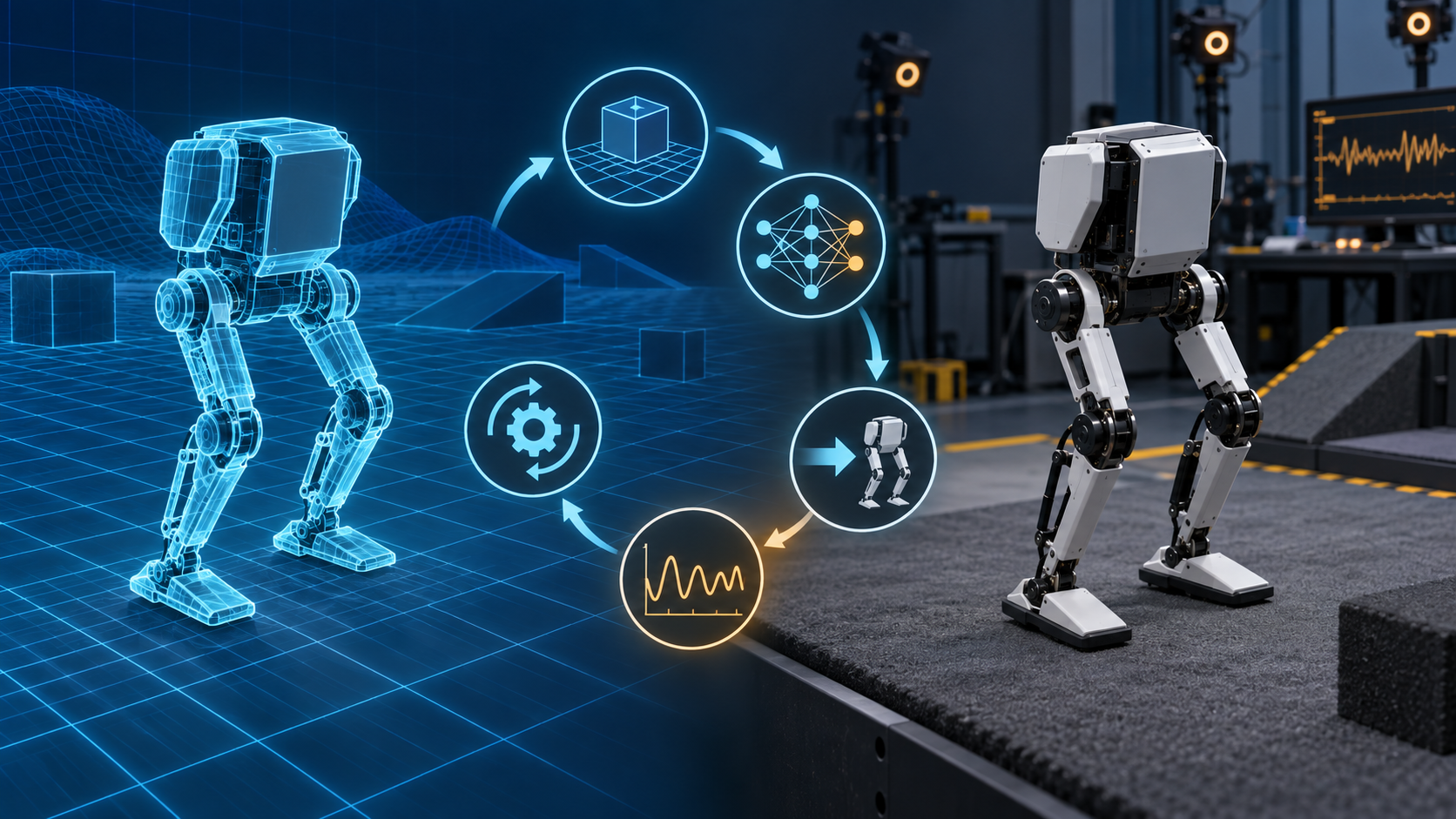
Simulation lets developers test falls, vary parameters, and collect large amounts of experience without consuming batteries or breaking parts. Reinforcement learning can discover a policy by optimizing rewards for tracking commands, staying upright, controlling energy, or matching reference motion.
The sim-to-real problem begins when that policy reaches hardware. The research paper “Sim-to-Real Transfer for Biped Locomotion” describes the reality gap as the discrepancy between simulated and physical dynamics. Its authors used system identification before and after policy learning to improve transfer on a DARwIn-OP2 biped. The lesson is broader than one algorithm: measured hardware behavior must inform the model and the validation loop.
A practical workflow looks like this:
- Build or obtain an accurate robot model with joint limits, masses, collisions, sensors, and actuators.
- Test basic joint commands and state estimation before attempting locomotion.
- Train or tune the controller in simulation across realistic variation.
- Export the policy in a format the robot runtime can execute.
- Validate at low risk—with conservative limits, support, a clear area, and a shutdown method.
- Compare logs from simulation and hardware, update the model, and repeat.
For a step-by-step implementation sequence, see our practical sim-to-real workflow for small biped robots.
ONNX Runtime is one common deployment option because it can execute models exported from several training frameworks across different hardware targets. It does not make a policy correct. Its own documentation emphasizes that developers remain responsible for validating model accuracy, performance, and suitability.
Open Duck Mini v2 provides a concrete example. Its runtime repository includes motor and IMU checks, joint-offset configuration, and an ONNX walking-policy path for Raspberry Pi. Those setup steps are part of sim-to-real, not chores that happen after it.
What is a small biped robot good for?
A biped forces mechanics, electronics, control, and software to meet. It can teach how calibration, foot friction, and safety limits change motion. A compact platform also supports repeated cycles of modeling, training, deployment, logging, and refinement—the core of a physical-AI workflow.
Walking, head motion, sound, lighting, and simple manipulation can support character and interaction experiments. Repairable platforms add opportunities to test feet, shells, sensors, compute modules, or cable routing. The value comes from documented interfaces and repeatable calibration, not merely from removable parts.
How to evaluate a small biped robot
Start with the work you want to do, then ask for evidence.
- For locomotion research: look for simulator access, controller or policy access, actuator documentation, logging, calibration procedures, and evidence from real hardware.
- For software education: look for a clear SDK, reproducible examples, safe default behaviors, reset procedures, and documentation that matches the shipping version.
- For mechanical experimentation: look for CAD availability, replaceable modules, standard fasteners, wiring documentation, spare parts, and explicit license terms.
- For classroom deployment: consider setup time, battery handling, fall durability, repair turnaround, account requirements, and whether several robots can be maintained consistently.
- For buying versus building: separate the parts-list target from the true cost of printing, tools, shipping, failed parts, assembly, calibration, and developer time. Our Open Duck Mini v2 build-cost guide explains that distinction in detail.
Do not treat a demo video as a full test report. Look for the surface used, whether the robot is tethered, how many runs succeeded, what controller ran, what safety support was present, and whether the result can be reproduced.
Limitations to expect
A small biped generally has limited battery energy, payload, thermal capacity, and fall tolerance. Low-cost geared actuators may have backlash or inconsistent friction. Small feet leave less margin for posture error. Cameras and depth sensors mounted on a moving body produce motion blur and changing viewpoints.
Open projects can expose more of the system, but they may also require unfinished documentation, manual sourcing, printing, wiring, and debugging. Finished products can reduce setup time while limiting mechanical access. Neither model is automatically better; they serve different users.
Where the MechaSeed Agent Core concept fits
MechaSeed is validating a profile-matched hardware and software core for printable robots. The concept would combine target motion hardware, control, compute, sensing, power, configuration, reference calibration, and software integration for one versioned Body Profile. The builder would still obtain legally usable body files, print the structure, source ordinary mechanical parts, and complete assembly.
This is Stage 1 demand validation. No Body Profile, hardware configuration, SDK, price, compatibility, or delivery plan has been validated. Read the Agent Core approach for DIY robot builders or join the research waitlist for project updates. Joining is not an order or pre-order.
MechaSeed is independent and is not affiliated with, endorsed by, or an official partner of Pollen Robotics or MicroDuck. References to MicroDuck describe a separate third-party platform and its publicly documented developer workflow.
Frequently asked questions
Is every two-legged robot a humanoid?
No. A biped is defined by two-legged support and locomotion. A humanoid usually reproduces more of the human body plan. A robot can be a biped without arms, hands, a human-shaped torso, or a human-like head.
Is a small biped easier to program than a large humanoid?
It can be easier to deploy and safer to test, but the balance and contact problems remain real. Programming difficulty depends on the quality of the SDK, simulator, calibration tools, default controllers, and documentation—not only physical size.
Does a small biped need reinforcement learning?
No. Bipeds can use scripted motions, model-based control, trajectory optimization, reinforcement learning, or combinations of these methods. Reinforcement learning is useful for some locomotion and behavior problems, but it is one tool rather than a definition of the robot.
Can a policy trained in simulation run directly on the robot?
Sometimes the file can be deployed directly, but successful execution is not the same as safe transfer. Geometry, joint zeros, actuator response, control rate, observation order, sensor frames, and normalization must match. Start with documented checkpoints and conservative physical tests.
What should a beginner check first?
Check whether the platform is assembled or DIY, what software and hardware layers are accessible, how calibration works, which parts are replaceable, what safety limits exist, and whether current documentation shows a complete path from first boot to a repeatable real-hardware behavior.